2022년 전에 정리한 문서들
Codecommit
반가운사람2
2022. 8. 24. 14:34
반응형
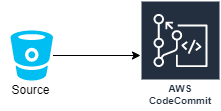
CI/ CD에서 사용될 코드를 작성해 Git 리포지토리와 같은 서비스인 Codecommit에 Code를 저장하도록 구성해야합니다.
Codecommit 생성
1. codecommit 콘솔로 접근 후 리포지토리 생성을 선택합니다.
2. 리포지토리 이름을 입력 후 생성을 선택합니다.

3. HTTPS URL을 복제 후 codecommit 리포지토리에 접근합니다.
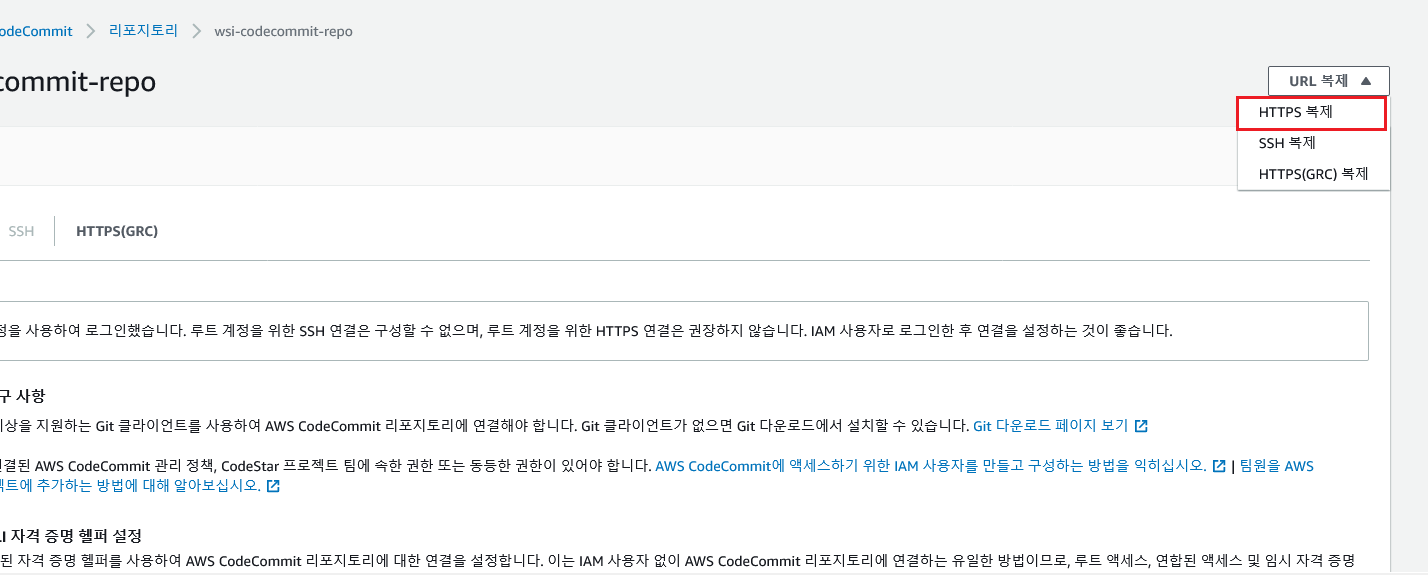
4. 명령은 간단합니다.
sudo yum install git -y
git clone https://git-codecommit.ap-northeast-2.amazonaws.com/v1/repos/wsi-codecommit-repo
5. 먼저 Git에 올려줄 Markdown File을 하나 생성해줍니다.
# Hello server

A simple web server that responds to the resource path `/hello/<name>` with a web page that displays a greeting and timestamp.

## Illustration

Build the image:
```
docker build -t wsi-fargate-ecr-repo .
```

Run the server as follows:
```
docker run -p 8080:80 --name my-hello-server wsi-fargate-ecr-repo
```

Test the health check endpoint:
```
curl localhost:8080/ping
```
This should return the response `ok`.

Test the `/hello` endpoint:
```
curl localhost:8080/hello/bob
```
This should return:
```
"worldskills"
```


To cleanup:
```
docker kill my-hello-server
docker rm my-hello-server
```
6. 이제 해당 리포지토리로 이동 후 Code를 작성합니다. 그런 다음 아래 명령어를 통해 Codecommit 리포지토리에 코드를 Upload합니다.
cd wsi-codecommit-repo/
git add .
git commit -m "latest"
git push origin master
7. 이제 markdown File 덕분에 매우 예쁜 튜토리얼이 있네용!!

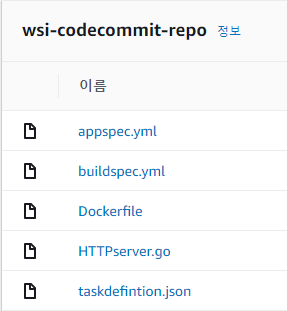
8. 나중에 코드 작성 후 업로드된 모습(즉, 실습 완료하면 마지막 모습 너무 신경 안쓰셔도 됩니당)
- Rolling Version

- Blue/ Green Version
반응형